
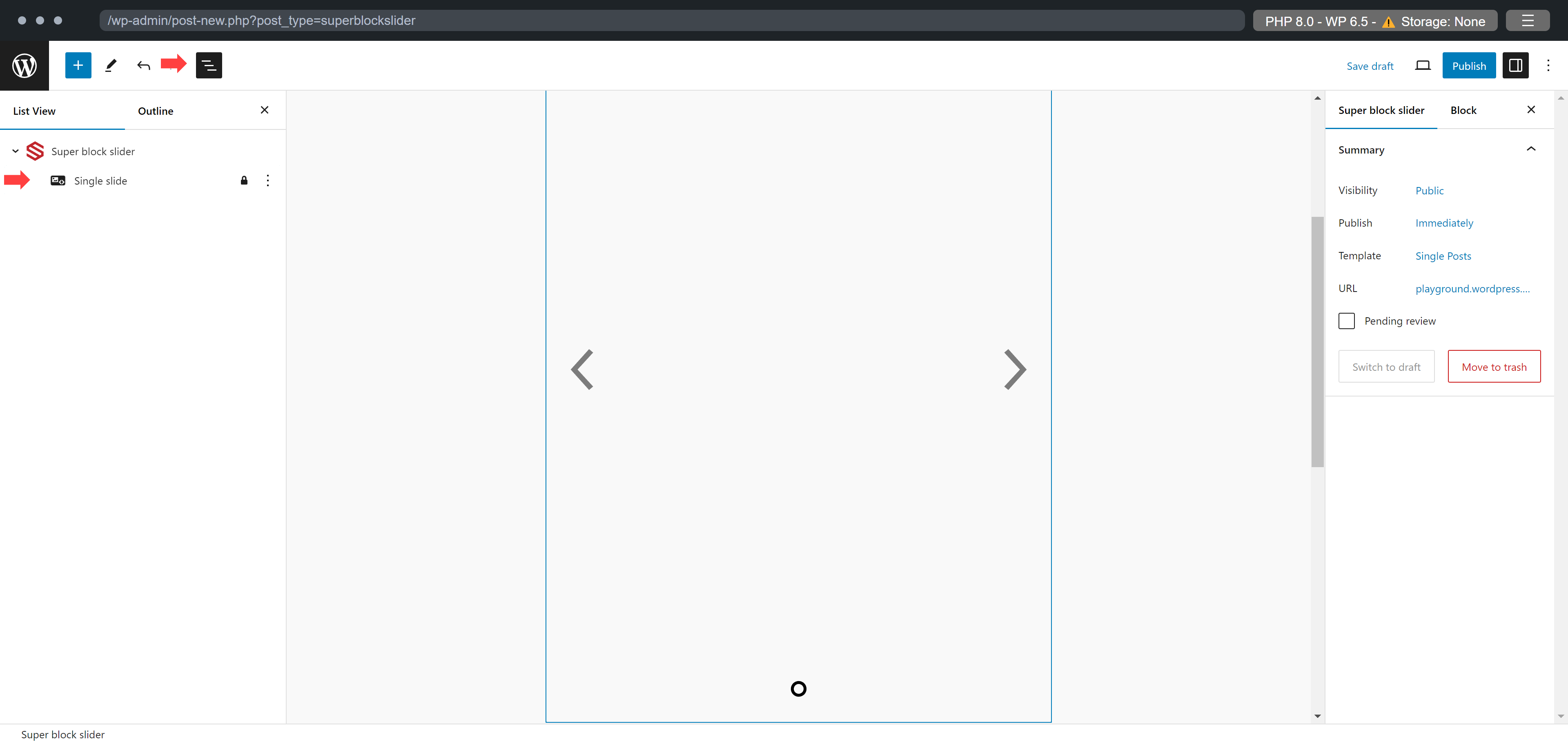
The slider should be visible when the block is created. Try selecting the slide you want to edit from the list view.
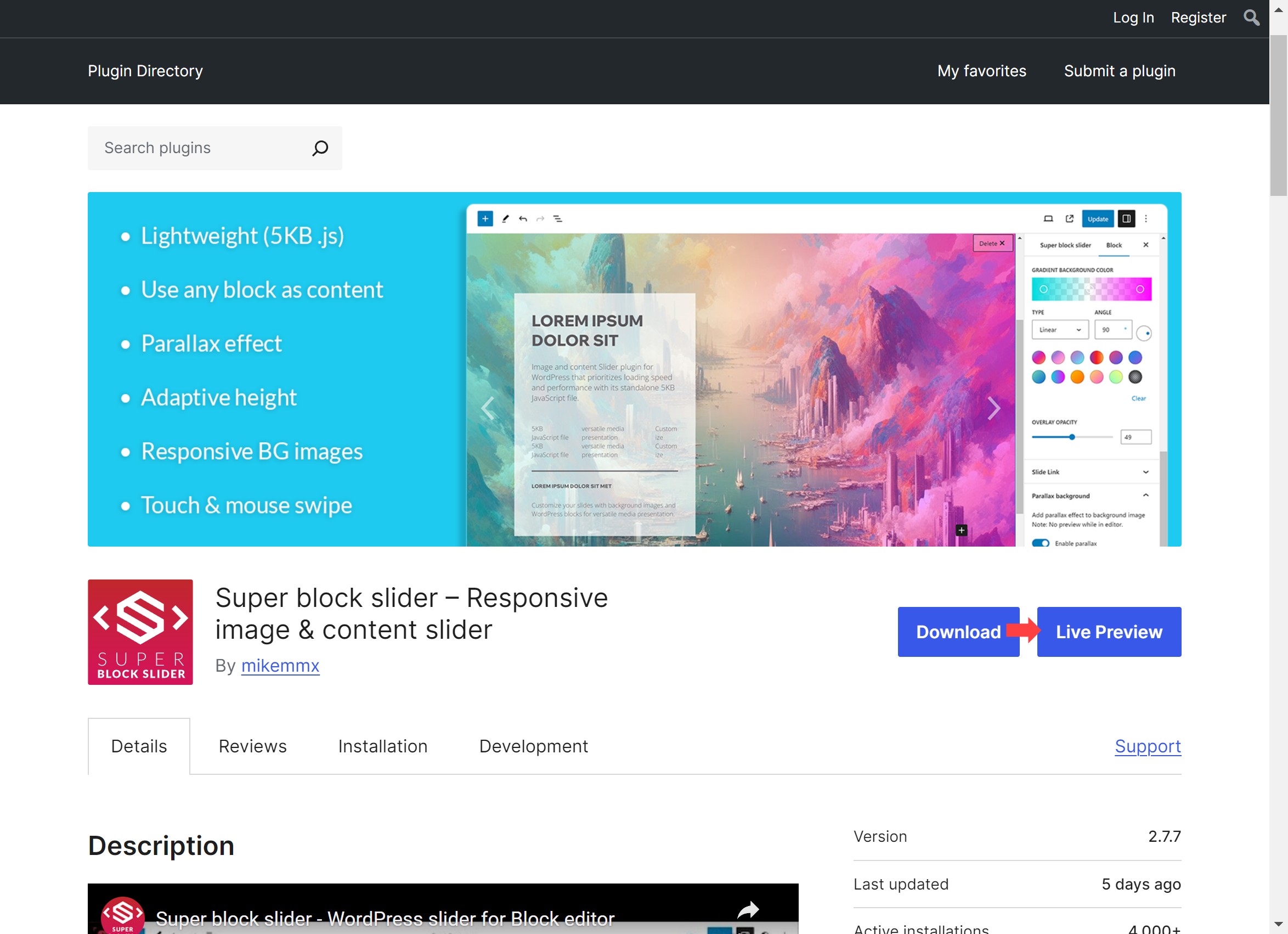
It’s could be a plugin or theme that my be causing problems. Try the “Live Preview” feature from the plugin page.
Thread Starter
 bevels
(@bevels)
List view!! I was searching through the block settings looking for a way to select and edit the individual slides.. my bad.
I don’t get a preview of my content like you do in your tutorial vid. Fresh install of WP, no other plugins installed. Running Spectra One theme. Tried multiple browsers including a “clean” version of Chrome. This isn’t a deal breaker though, I’ll just preview live.
Thanks for the super prompt response Michael, really appreciate it!
-
This reply was modified 32 minutes ago by
 bevels.

Glad to help.
I’ll look into the theme and try to troubleshoot the preview problem.