
Hi @sonnnkoenig,
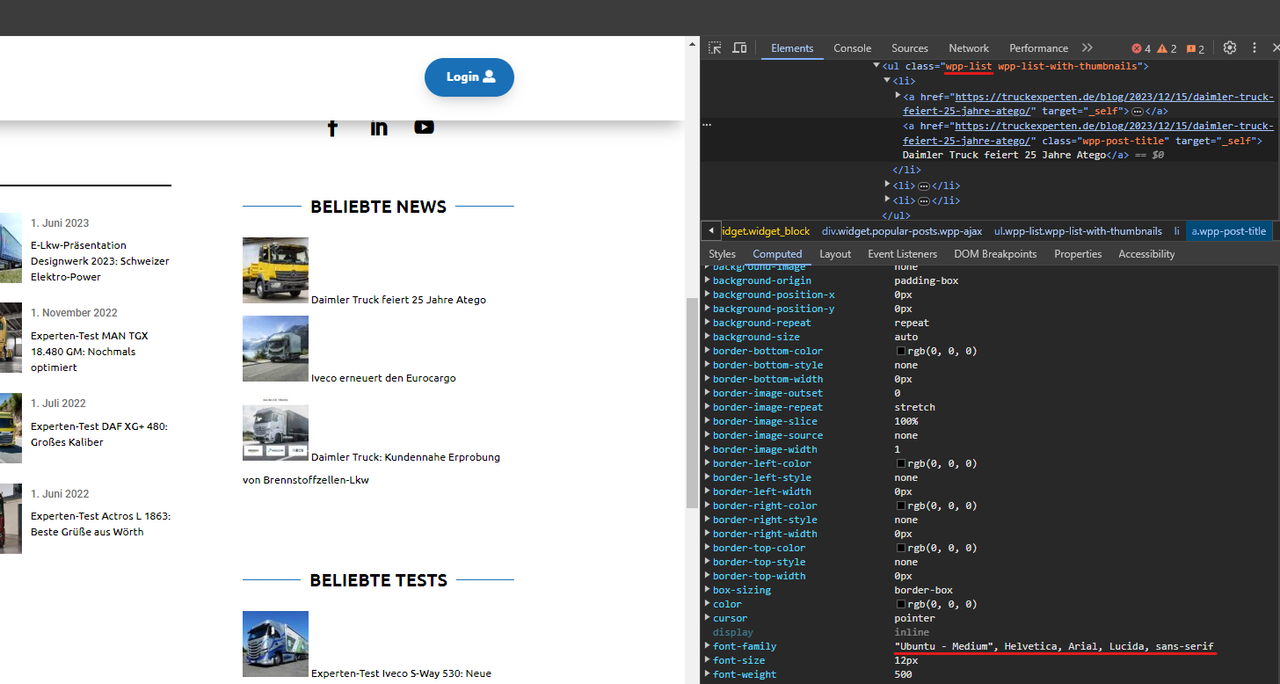
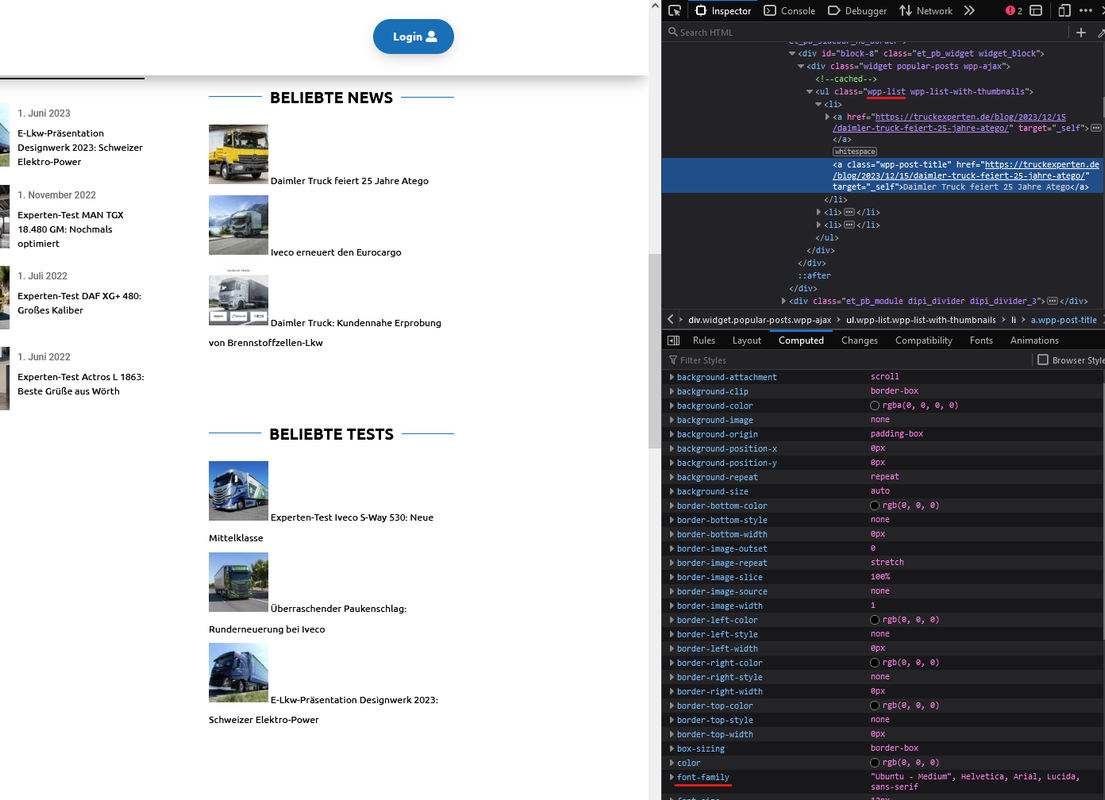
Just had a look at your popular posts list using Google Chrome, Firefox and Microsoft Edge and in all cases the font looked the same to me.
Google Chrome:
Firefox:
Microsoft Edge:
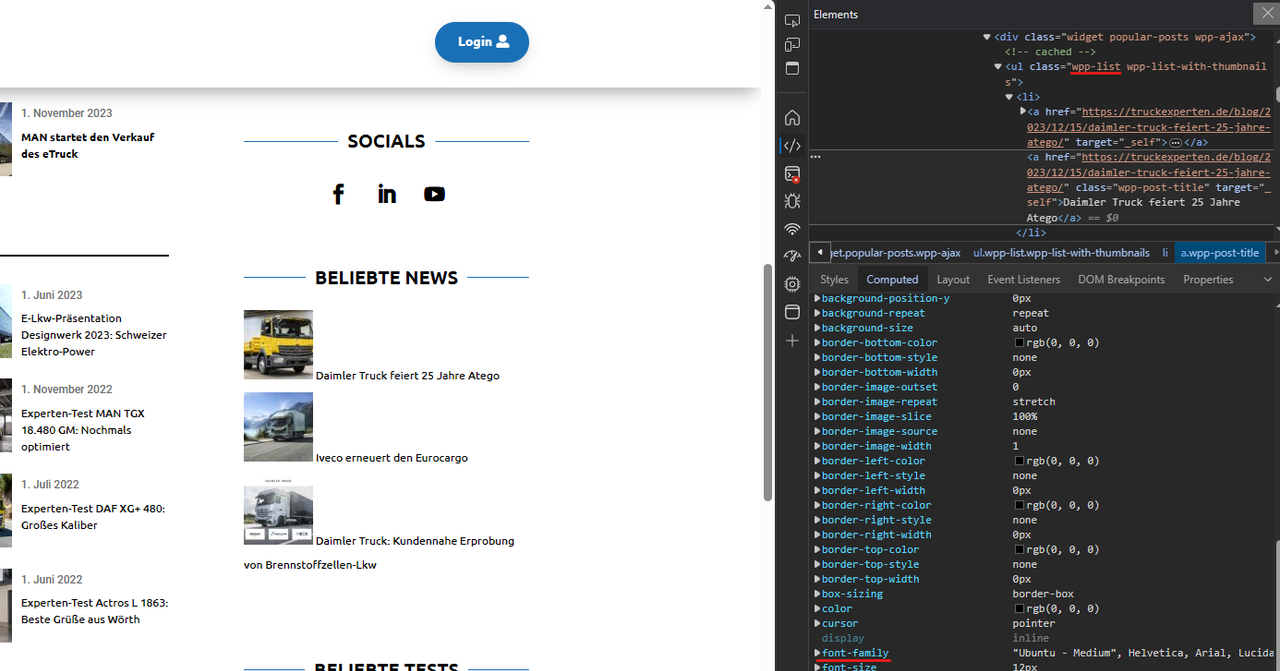
I compared the widget in all three screenshots with the different texts to the left and they look exactly the same (to me at least).
With that being said, to prevent the title from going under the thumbnail you’ll need to do some style adjustments, like so for example:
.et_pb_widget_area .wpp-list li {
    display: flex;
    align-items: center;
    justify-content: space-between;
}

.et_pb_widget_area .wpp-list li .wpp-post-title {
    width: calc(100% - 75px - 1em);
}
P.S.: You can try these CSS rules by adding them to your site either via your theme’s stylesheet or via WP Dashboard > Appearance > Customize > Additional CSS.
-
This reply was modified 1 hour, 15 minutes ago by
 Hector Cabrera. Reason: Added note on how to include CSS rules to the site

Hello, thank you very much for the quick help. I added the CSS globally and it works so that it no longer puts the text under the images. Thank you