
Plugin Support
 Nick
Nick
(@d4d5bh6)
Thank you for your question @jgmarden! Actually, the colors look quite bright to me, see https://monosnap.com/file/HI3WdrvnfEBS91v0SoOZsI99UHjmAd. Maybe it’s cache? Can you try in another browser to check if it looks properly there?
Thanks so much for the quick reply.
This is a brand new issue. The colors were more vivid/opaque/bright for about 2 weeks and they became muted only today.
I cleared the CDN and all cache.
I’ve checked this on Chrome on a tablet; the colors are muted. I’ve also seen this on Safari on a mobile. See:
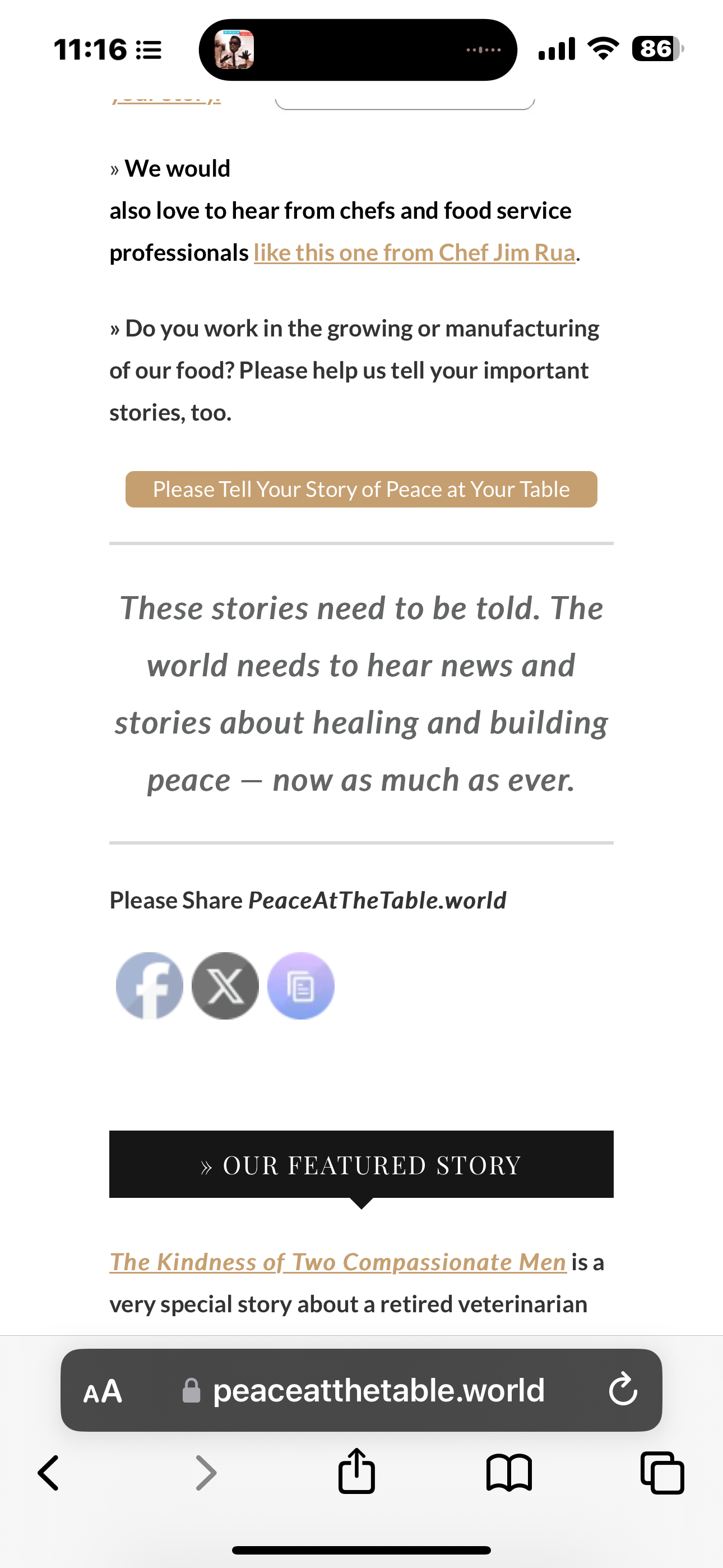
Plugin Support
Nick
(@d4d5bh6)
Okay, could you please check if under question 6 in the plugin, you have any fade in or fade out effects activated? I mean here https://monosnap.com/file/Ivv1yjUt37jBWHDkGG0hL2fDNMSExg
That was the problem. Thanks for taking the time.
Quick question – is there any way to have the copy link icon flash what it means like the social media buttons?
Plugin Support
Nick
(@d4d5bh6)
Happy to look into this, however could you please ask this in a new thread? I.e. you can open it here https://projectdmc.org/support/plugin/ultimate-social-media-icons/. Golden rule: one topic per thread 🙂 Thank you!