
I checked your site and the Subscribe block does indeed appear to be incomplete.
I’m also seeing issues with the icons that should appear with your sharing buttons, as well as the icons that should be displayed by your theme under each post. Here is the screenshot of the issues I’m seeing:
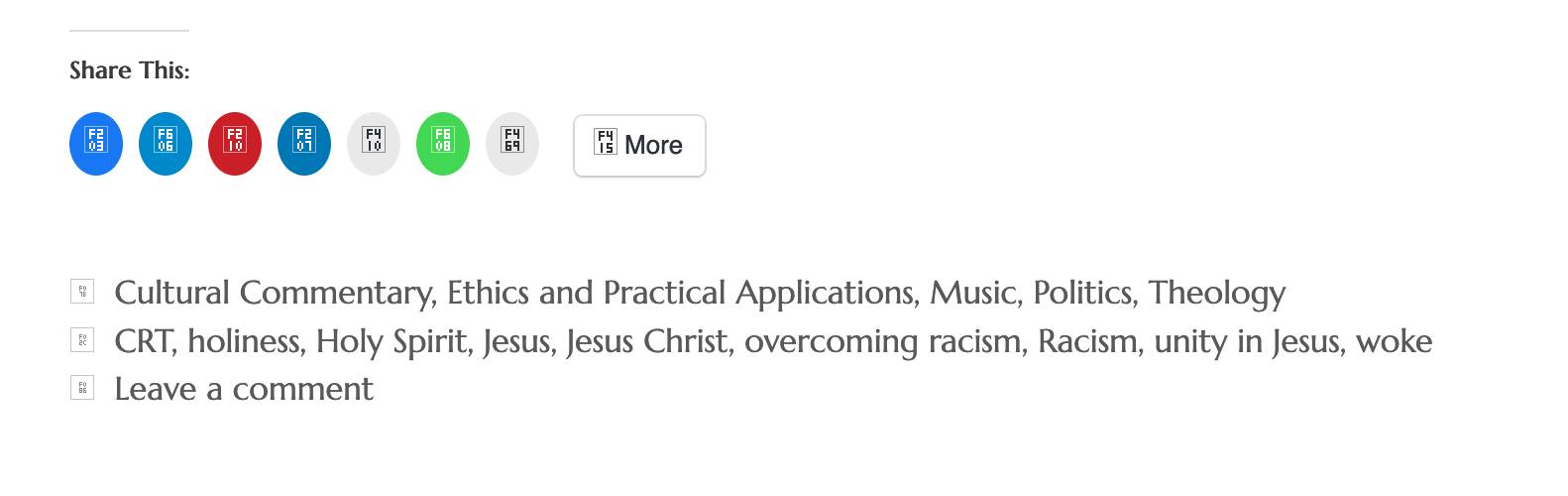
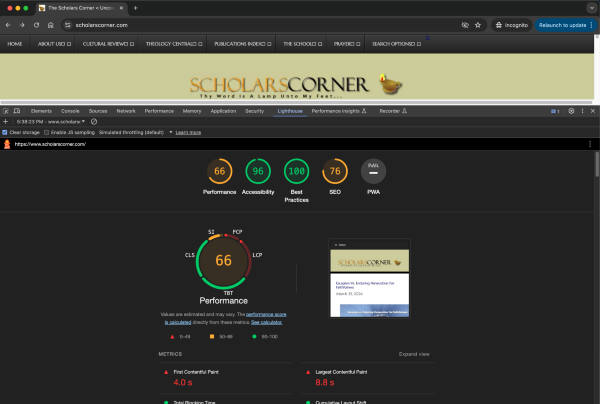
This makes me wonder if this could be caused by conflicts between your different caching solutions. I noticed that you’re using multiple caching / performance plugins on your site ; some of them have similar features, and using them together may cause more troubles than it solves. Your website currently loads extremely slowly, so it does seem like a good time to audit your current site setup and caching solution:
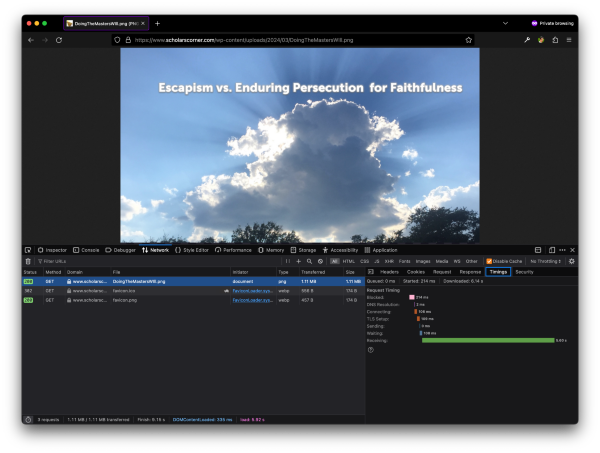
Unfortunately, a lot of your site’s performance issues may not be solved by caching plugins ; it seems that your server itself is slow to respond. In the test below, it took more than 5 seconds for a single image to be loaded. While that image is big and could be made smaller and load faster via performance plugins, the root problem of the server’s slow response time would remain:
Let’s get back to our original problem though. Could you try to deactivate all your different caching and performance plugins and see if the Subscribe block, the sharing buttons, and your theme’s icons start appearing properly again?
If that works, you should be able to start activating caching again. I would recommend only using one caching plugin though, and then reaching out to your hosting provider to ask them if they could help with your site’s overall performance. You should be able to send them the screenshot I posted just above with the image loading times ; I think it provides a good example of the current performance issue on your site.
Let us know how that goes.
So, I disabled WP Fastest Cache Premium and the text box appears. I reenabled it and my speed jumped to 74 mobile, but the text box disappeared. I disabled it and my mobile speed dropped back to 41. I then enabled caching in Boost and it did not improve my speed. I also turned off all other caching plugins and left them off. I’m focussing only one WP Fastest and Boost’s . I then disabled Boost’s caching and my desktop speed went from 73 to 84, but mobile stayed at 41.
-
This reply was modified 37 minutes ago by
 jefferisp7.

I’m glad we could figure out what was breaking the subscription form.
I’m focussing only one WP Fastest and Boost’s .
That’s a good idea. I would recommend using one or the other, but not both.
Once you’ve picked the caching solution that fits your needs, try to look at other ways to improve your page scores: use smaller images for example (this is very important on mobile since images take a significant amount of screen real estate on mobile). You could also remove any widgets that may slow your site down like the Google Translate widget that needs to contact Google and send the page information on every page load.
And eventually, as I mentioned earlier you’ll want to contact your hosting provider as well. Picking the right hosting provider is often the most important step in having a fast website.
Let us know if you have any other issues with Jetpack!